
Contents
1. Outdated PDFs outrank the pages that replaced them
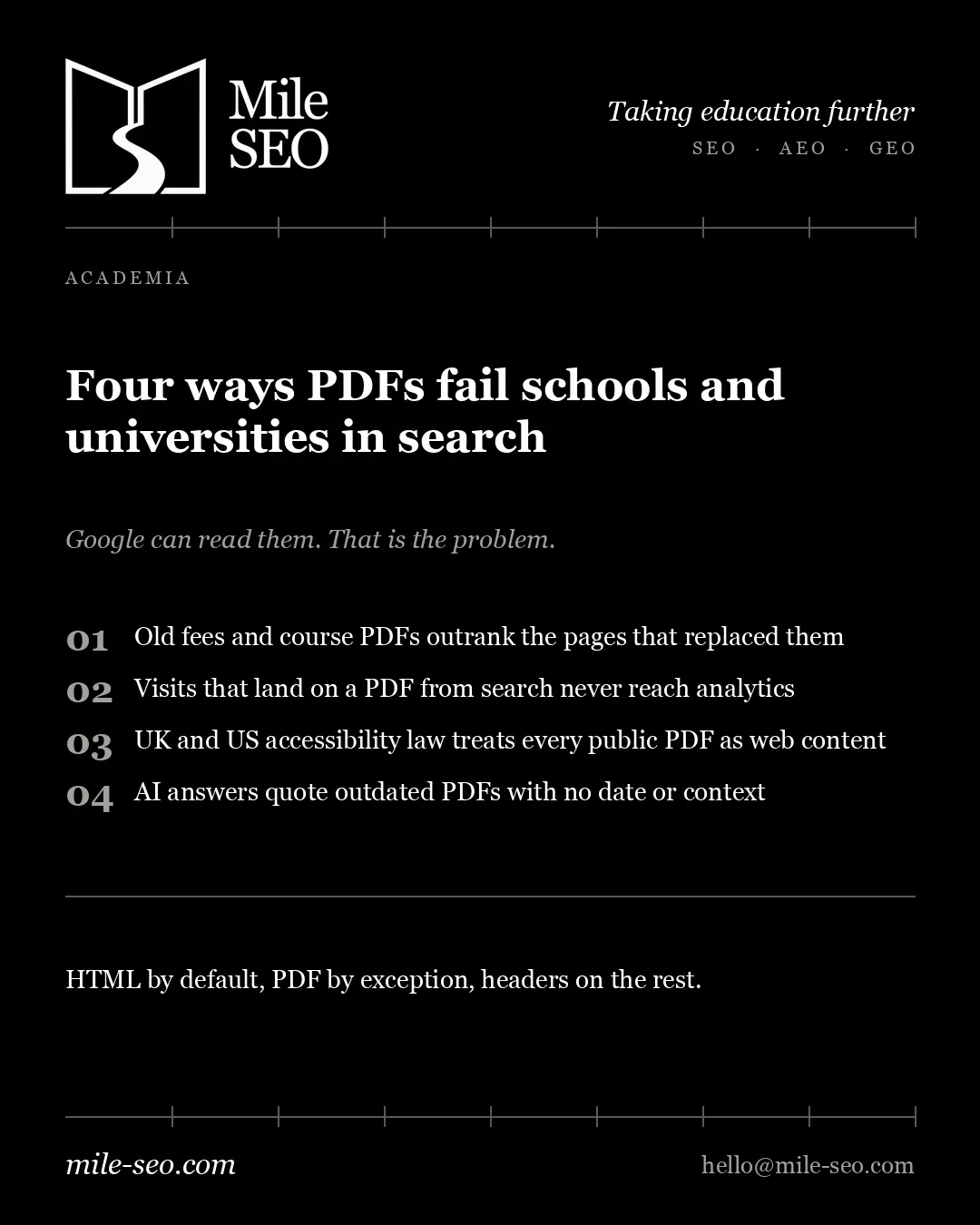
Google indexes PDFs and ranks them like any other URL: a 2022 fees schedule can still outrank the 2026 fees page.
Googlebot crawls the first 64MB of a PDF (which covers almost any prospectus or course handbook ever uploaded).
It has no way of knowing a document was superseded unless the site says so, and a PDF carries no navigation and no links pointing to its replacement.
That is content decay and cannibalisation at once.
The old fees PDF and the current fees page compete for the same "[school name] fees" search, and the PDF often wins because it has years of links from parent forums and local council pages.
Course handbooks do the same to course pages: a module catalogue from a previous academic year can rank for a programme name the course page should own. Private schools feel this most, because fees and prospectus searches are where parents decide if it’s worth to visit.
The visitor who lands on that PDF hits a dead end: no apply button, no open day booking, no way back to the site.
2. PDFs are invisible to your analytics
GA4 cannot run inside a PDF, so a visit that lands on one straight from Google goes unrecorded.
Analytics only sees a PDF when someone clicks through to it from a page on your own site, and logs that as a file download (if, again, it’s set up correctly).
Anyone arriving from search, an AI answer, an email or a parents' WhatsApp group never shows up!
3. Answer engines quote PDFs without context
AI answer engines read PDFs, which means they can also quote an outdated one...
When ChatGPT, Perplexity or AI Overviews answer "what are the fees at" or "when does term start at", they draw on whatever the index holds, and a PDF looks as authoritative as a page.
For GEO, this bites on the facts institutions most need quoted correctly:
- fees
- entry requirements
- application deadlines
- term dates.
Those are the structured facts an answer engine lifts whole, so they belong on HTML pages with a visible date and, where it fits, Course or Event schema.
Note: Ranking a document and getting the right fact quoted are separate jobs, which is the practical difference between SEO, AEO and GEO.
4. What to keep as a PDF? How to handle the rest?
Keep a PDF when the fixed layout is the point:
- a print prospectus
- a signed policy
- a published research paper.
Anything people read on a phone to get something done, like:
- fees
- term dates
- admissions criteria
- forms
belong on an HTML page.
5. How Mile SEO solves the PDF problem
Mile SEO is a search consultancy for schools, universities and research institutions, and PDF sprawl is one of the first things an audit turns up.
The PDF problem comes down to control.
Documents that Google indexes, AI tools quote and analytics cannot see keep answering questions on your behalf, often with last year's numbers. Moving the high-demand ones to HTML and putting the rest behind canonical or noindex headers gives that control back.
If your site holds a few hundred PDFs and nobody clearly owns them, a 30-minute call is a sensible first step.
30 minutes, no charge, no deck.

FAQ
Related questions, not covered above.
- Do PDFs hurt a school website's overall rankings?
- Not directly. Google does not penalise a domain for hosting PDFs. The damage is local: individual files outranking, or splitting signals with, the HTML pages meant to rank.
- How long does Google take to drop a PDF after a redirect?
- Usually weeks, depending on how often Googlebot recrawls the file. Inspecting the destination URL in Search Console and requesting indexing can speed up the swap.
- Should a school's printed prospectus also exist as web pages?
- Yes, for the sections parents search: fees, admissions, curriculum and boarding. Keep the designed PDF as a download.