
Contents
- Which CMS fits which kind of educational website
- Best CMS for primary and secondary school websites
- Best CMS for university and college websites
- Best CMS for small colleges and research centres
- Best CMS for edtech, learning apps and educational content sites
- Best CMS for course creators
- Choosing a CMS? Get the SEO right for the platform you pick
1. Which CMS fits which kind of educational website
The best CMS for an educational website depends on who edits it and what it has to hold.
A primary school, a university with 40 faculties and a vocabulary app with 5,000 word pages need different things.
2. Best CMS for primary and secondary school websites
School websites are edited by staff with other jobs, so ease of use and a fixed structure matter more than flexibility. Parents arrive looking for admissions, term dates and policies, and those pages are where SEO for school websites starts.
WordPress
The free, open-source CMS, usually run on managed hosting with a school theme and an agency or freelancer on call.
| ✅ Pros | ⛔ Cons |
|---|---|
| ✅ No licence fee, and almost every local agency can support it. | ⛔ Core, theme and plugin updates need an owner, and in a school office that job tends to slip. |
| ✅ Full control over URLs, redirects, titles and schema through plugins such as Yoast or Rank Math. | ⛔ Open page builders let every editor lay out pages their own way, so the site drifts. |
| ✅ You own the site and its content, so changing host or agency is simple. | ⛔ Security depends on that upkeep. Abandoned plugins are a common way in. |
👉 Try WordPress for primary and secondary schools
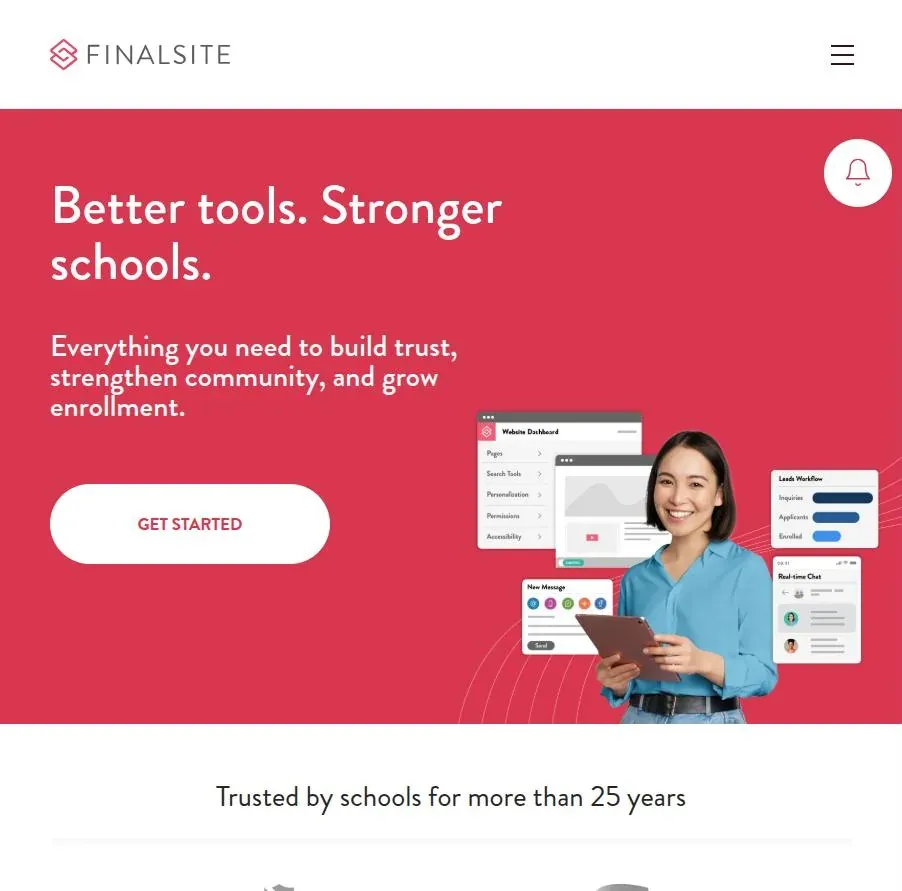
Finalsite
An all-in-one school platform covering the website, admissions, family communications and a mobile app.
Finalsite reports more than 7,000 schools and districts in 119 countries, with a strong base among independent and international schools.
| ✅ Pros | ⛔ Cons |
|---|---|
| ✅ Website, enrolment and parent communications sit in one system. | ⛔ Subscription pricing, and a redesign is a project rather than a template switch. |
| ✅ Templates are built around school content, so editors fill fixed slots instead of designing pages. | ⛔ Less hands-on control over technical SEO than an open CMS. Ask to see URL editing, redirects and schema in the demo. |
| ✅ Hosting and support are included. | ⛔ Leaving later means exporting content from a proprietary system. |
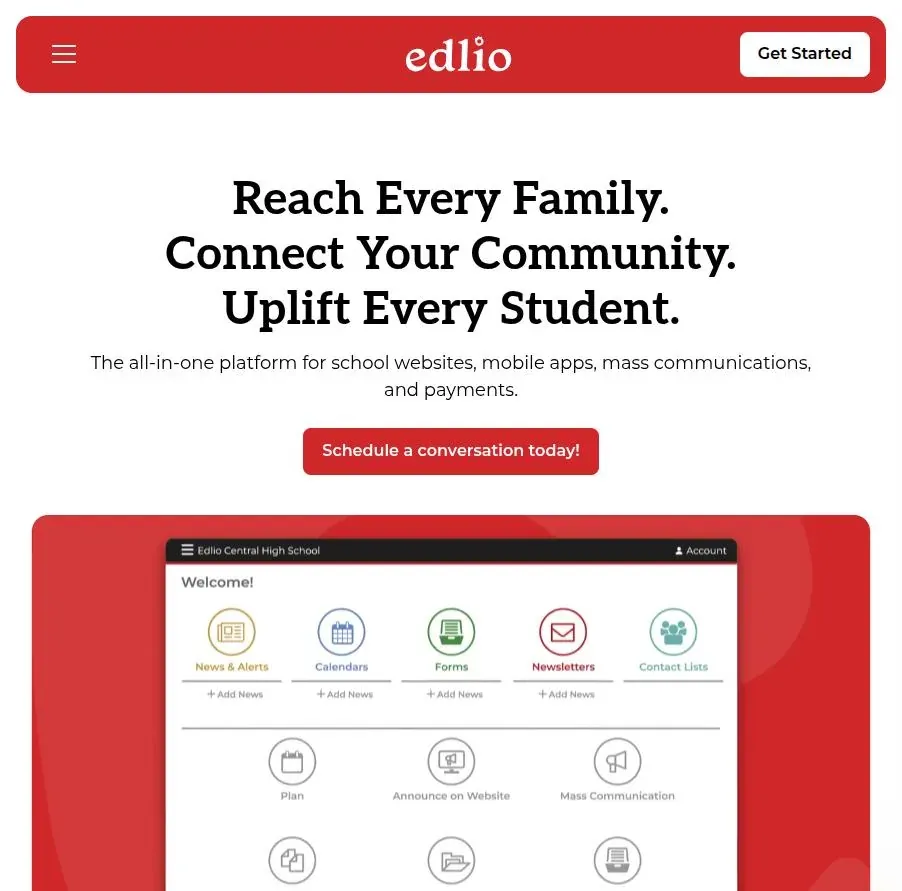
Edlio
A hosted school CMS used widely by public schools, districts and charter schools across the US and Canada, sold as an annual subscription with a setup fee.
| ✅ Pros | ⛔ Cons |
|---|---|
| ✅ Built for district setups: one admin team, many school sites, teacher pages. | ⛔ Proprietary and focused on North America. |
| ✅ Quick launches, and staff can edit without touching code. | ⛔ Template-led design leaves little room for custom page types or structured data. |
| ✅ Mass messaging, a mobile app and payments come in the same package. | ⛔ Your technical SEO is limited to whatever settings the vendor exposes. |
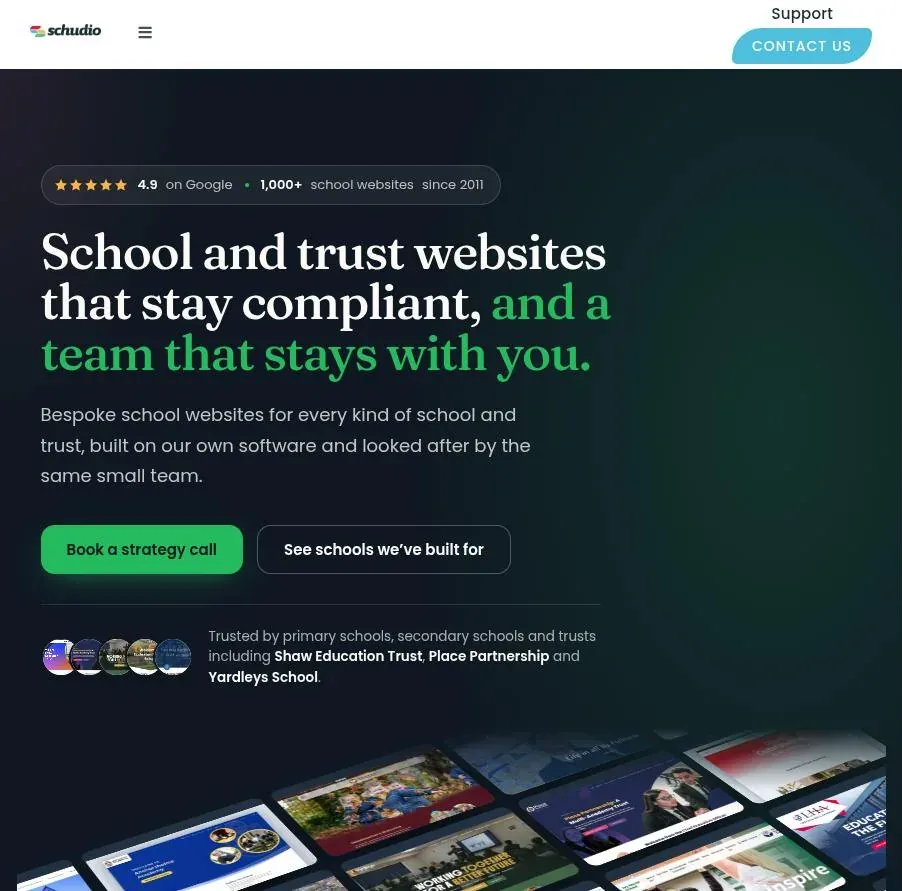
Schudio
A UK provider that works only with UK schools and multi-academy trusts, with compliance tools built around the information English schools have to publish online.
| ✅ Pros | ⛔ Cons |
|---|---|
| ✅ Built-in checks against statutory website requirements. | ⛔ UK only, so it is not an option for international schools. |
| ✅ A trust-level portal lets a central team manage many school sites and push content to all of them. | ⛔ Proprietary CMS. Check URL control, redirects and content export before you sign. |
| ✅ Training and ongoing support are part of the package. | ⛔ Less scope for custom templates than a site you build yourself. |
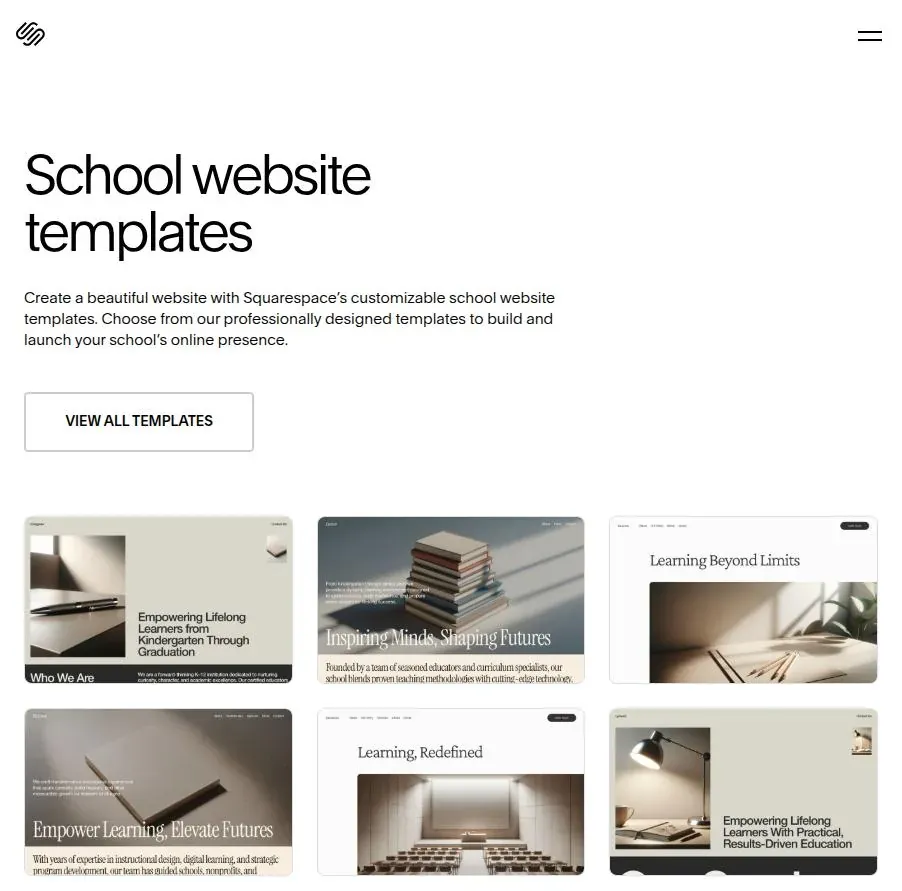
Squarespace
A hosted website builder that suits very small schools, nurseries and tutoring centres with no IT support at all.
| ✅ Pros | ⛔ Cons |
|---|---|
| ✅ Hosted, secure and updated for you, with nothing to maintain. | ⛔ Little control over structured data beyond what the template outputs. |
| ✅ Editable URL slugs, titles and descriptions, plus 301 redirects through URL mappings. | ⛔ Only basic editor permissions, which gets awkward once a dozen staff are editing. |
| ✅ Polished templates without paying a designer. | ⛔ Does not scale to a large policy library or a group of schools. |
👉 Try Squarespace for primary and secondary schools
3. Best CMS for university and college websites
Universities need governance at scale:
- hundreds of editors
- dozens of faculty sites
- one canonical page per course.
The choice usually comes down to open source run by an in-house team, or a higher-education vendor paid through an annual licence. Both can rank well, and what decides it is the governance covered under SEO for higher education.
Drupal
The open-source CMS behind many large university estates worldwide, built for complex content models, granular permissions and multi-site setups.
| ✅ Pros | ⛔ Cons |
|---|---|
| ✅ Handles hundreds of editors with fine-grained roles and approval workflows. | ⛔ Needs developers to build and maintain, and major version upgrades are projects in their own right. |
| ✅ Course, staff and event content types with their own fields, which makes per-template schema straightforward. | ⛔ The editing experience trails the commercial higher-ed platforms unless you invest in it. |
| ✅ No licence fee, plus a large higher-education community and agency market. | ⛔ Universities still on Drupal 7 have been past end of life since January 2025 and face a migration. |
👉 Try Drupal for university and college websites
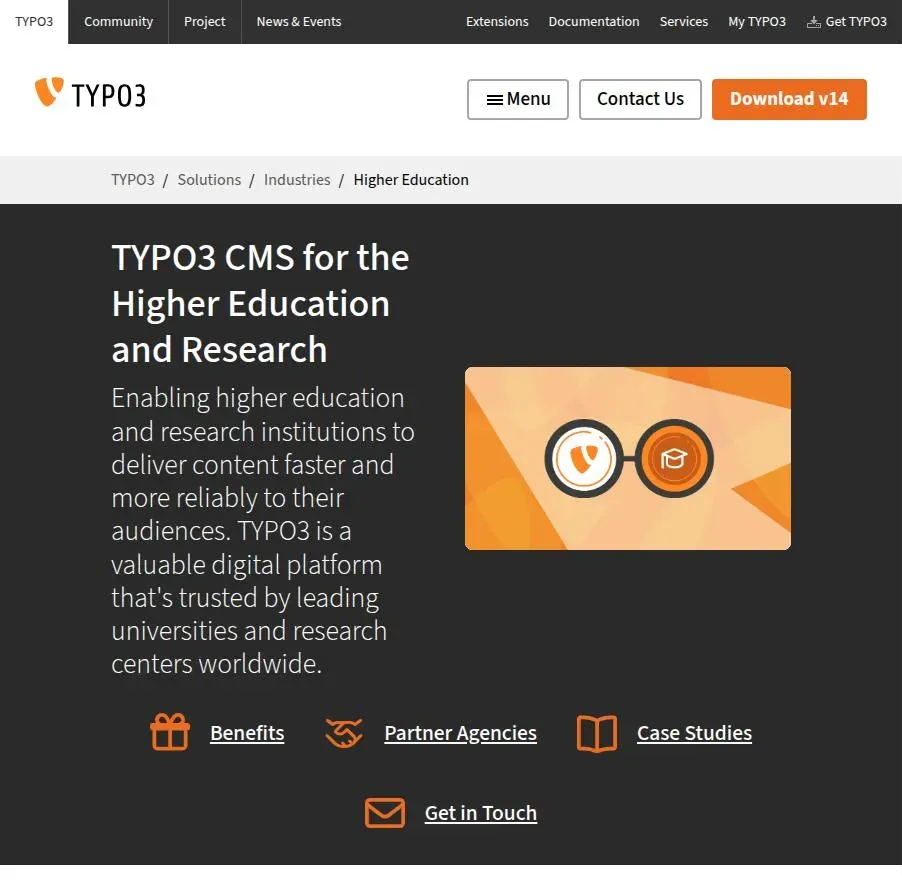
TYPO3
An open-source enterprise CMS that dominates higher education in German-speaking Europe.
As of 2024, more than half of the universities registered in Germany ran on it.
| ✅ Pros | ⛔ Cons |
|---|---|
| ✅ Mature multisite and multilingual handling, a good fit for faculty sites in several languages. | ⛔ A small talent pool outside Germany, Austria and Switzerland. |
| ✅ Long-term support releases and an active university user community. | ⛔ A steep learning curve for both developers and editors. |
| ✅ Detailed editor permissions and workflows. | ⛔ The core SEO extension covers the basics. Anything beyond that takes configuration work. |
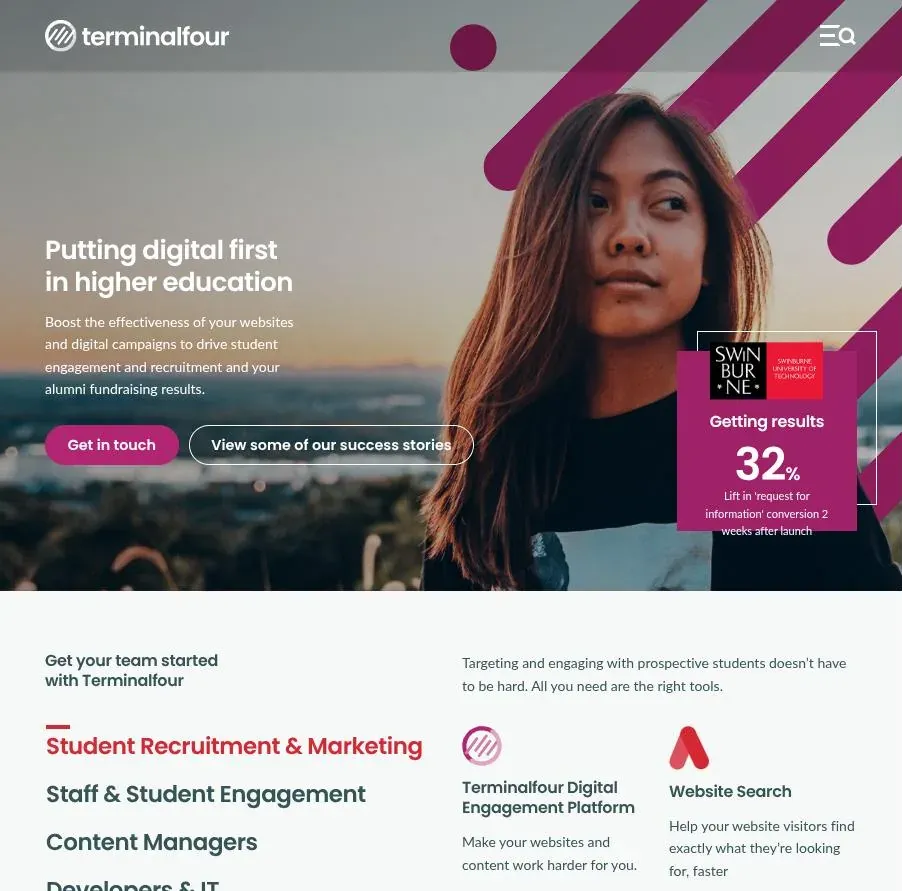
Terminalfour
A cloud-hosted CMS built for higher education, with more than 250 institutional clients, mostly in the US, the UK and Ireland.
| ✅ Pros | ⛔ Cons |
|---|---|
| ✅ Designed around higher-ed content such as programme pages and course finders. | ⛔ An annual licence on top of the implementation cost. |
| ✅ A central team controls templates while faculties edit content. | ⛔ Proprietary, so the content model and export options depend on the vendor. |
| ✅ Hosting, support and a large user community are included. | ⛔ A smaller developer ecosystem than Drupal. |
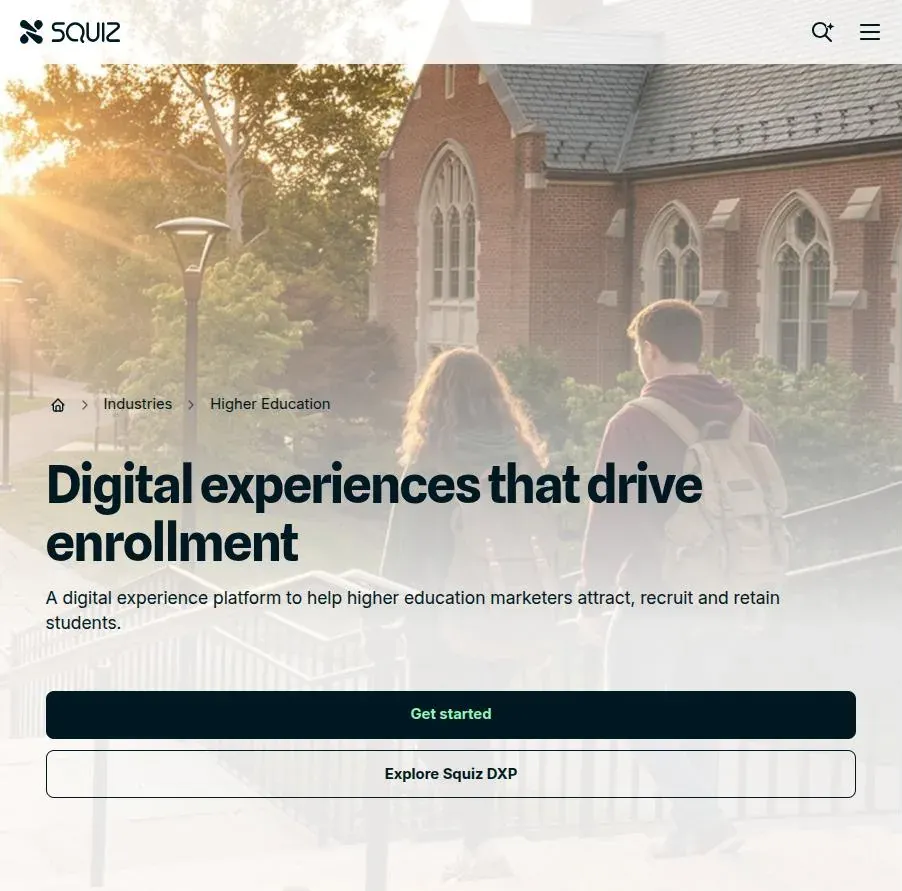
Squiz
An Australian platform combining a CMS (Squiz Matrix), site search and integrations, widely used by universities in Australia and New Zealand and by a number in the UK.
| ✅ Pros | ⛔ Cons |
|---|---|
| ✅ CMS and site search from the same vendor. | ⛔ Enterprise pricing, usually with an implementation partner. |
| ✅ Built for big publishing teams. The University of Newcastle runs more than 400 publishers on it. | ⛔ A smaller footprint outside Australia, New Zealand and the UK. |
| ✅ Cloud hosting takes infrastructure off the university's plate. | ⛔ The asset-based way Matrix organises content takes time for new editors to learn. |
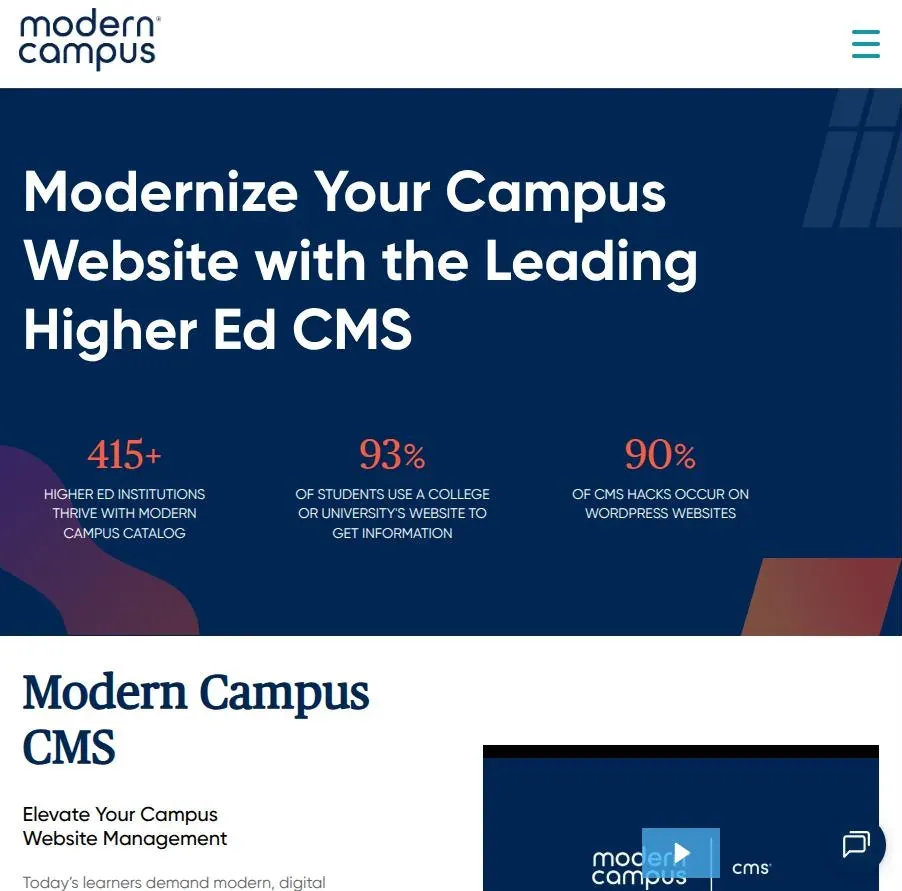
Modern Campus CMS
A higher-education-only CMS, previously known as OU Campus and then Omni CMS, used by hundreds of colleges and universities, mostly in the US.
| ✅ Pros | ⛔ Cons |
|---|---|
| ✅ Built for non-technical contributors. If staff can use Word, they can usually use it. | ⛔ Focused on the US market. |
| ✅ Permission levels limit how much damage each department can do. | ⛔ Subscription pricing scaled to institution size. |
| ✅ Connects to Modern Campus catalogue and continuing-education products. | ⛔ Template changes often go through the vendor or a partner agency. |
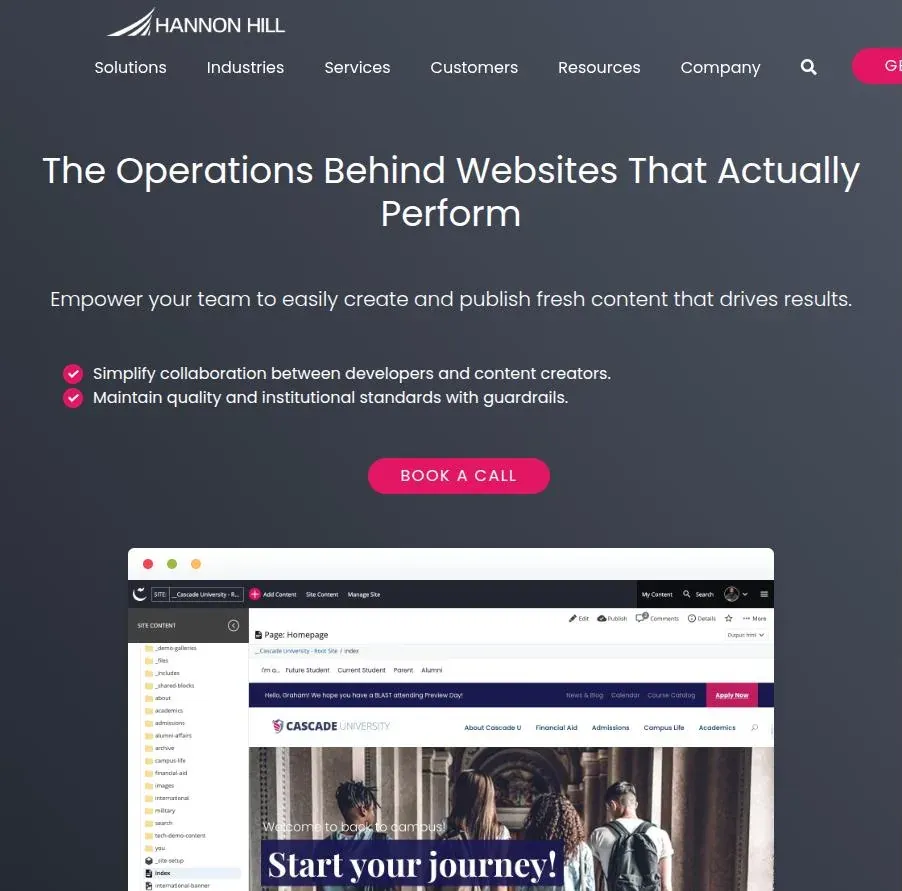
Cascade CMS
Hannon Hill's higher-education CMS, with a vendor-hosted Cascade Cloud option that most new customers now choose.
| ✅ Pros | ⛔ Cons |
|---|---|
| ✅ Pricing includes unlimited users, sites and subdomains, which suits decentralised campuses. | ⛔ Mostly a US customer base. |
| ✅ Built-in content tips flag common SEO mistakes to contributors as they edit. | ⛔ A paid licence, where open-source options have none. |
| ✅ The vendor maintains the cloud servers. | ⛔ A smaller community and talent pool than Drupal. |
4. Best CMS for small colleges and research centres
Small colleges, institutes and research centres need to look as credible as a university, on a fraction of the budget and usually with no web team.
So the question to ask is who will keep the site running in three years, not which platform has the longest feature list.
WordPress multisite
One WordPress installation running many sites, for example one per department, lab or funded project.
| ✅ Pros | ⛔ Cons |
|---|---|
| ✅ One login, one theme and one set of plugins for every site, manageable by a single person. | ⛔ One bad plugin update breaks every site at once. |
| ✅ A new centre or project site can go live in minutes. | ⛔ Some plugins do not support multisite properly. |
| ✅ Cheap to host and easy to hire for. | ⛔ The sites share a database, so splitting one off later takes real work. |
👉 Try WordPress multisite for small colleges and research centres
Drupal
For a centre inside a university that already runs Drupal, joining the central platform is usually the default.
| ✅ Pros | ⛔ Cons |
|---|---|
| ✅ Sits on the university's main domain, so it benefits from that domain's authority. | ⛔ Little say over templates or page types. |
| ✅ The central team handles hosting, security and upgrades. | ⛔ Every change waits in the central web team's queue. |
| ✅ Brand, templates and governance stay consistent with the parent institution. | ⛔ A standalone Drupal build for one small centre is overkill. |
👉 Try Drupal for small colleges and research centres
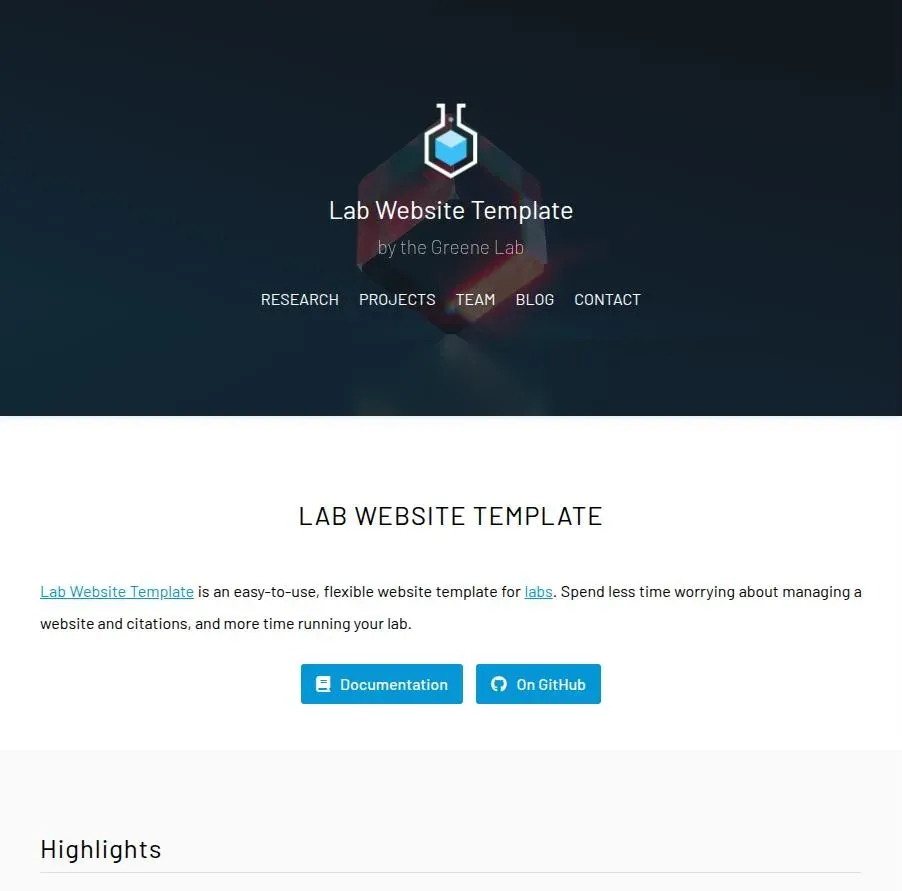
Static site generators (Hugo, Jekyll, Astro)
Sites built from Markdown files into plain HTML, common for research labs and often hosted for free on GitHub Pages or Netlify.
| ✅ Pros | ⛔ Cons |
|---|---|
| ✅ Fast, secure because there is no database, and close to free to host. | ⛔ No editing interface by default. Non-technical staff need Git or a bolt-on editor such as Decap CMS. |
| ✅ Full control over HTML, URLs and schema. | ⛔ The site often goes stale when the PhD student who built it leaves. |
| ✅ Version history in Git suits researchers who already work that way. | ⛔ Search, forms and other dynamic features need third-party services. |
👉 Try the Jekyll Lab Website Template
Squarespace
A fit for a single centre, project or conference site with a fixed budget and an end date.
| ✅ Pros | ⛔ Cons |
|---|---|
| ✅ Live in days, nothing to maintain, and a predictable annual cost that fits a grant budget line. | ⛔ A separate domain starts with no authority, unlike a page on the parent institution's site. |
| ✅ Researchers can edit it without training. | ⛔ Weak at publication lists and structured research data. |
| ✅ On-page SEO basics are covered. | ⛔ Content can end up stranded with whoever held the account when the project ends. |
👉 Try Squarespace for small colleges and research centres
5. Best CMS for edtech, learning apps and educational content sites
Learning products tend to have two kinds of site:
- content-led sites live on articles and guides
- data-led sites generate thousands of pages from structured data (words, courses, levels and languages).
A headless CMS wins for the second kind, and WordPress still wins for the first.
Sanity
A headless CMS that stores content as structured data and lets you customise the editing studio.
| ✅ Pros | ⛔ Cons |
|---|---|
| ✅ Store one word, lesson or course once and render it into as many pages as you need. | ⛔ A developer has to build the front end, the SEO fields and the previews. |
| ✅ A free tier generous enough for an early-stage startup team. | ⛔ Nothing is SEO-ready out of the box. Every title, canonical and schema rule lives in your code. |
| ✅ Real-time collaborative editing and a studio you can shape around your content. | ⛔ Its query language, GROQ, is one more thing for the team to learn. |
Contentful
A mature enterprise headless CMS, now part of Salesforce, strong on localisation and integrations.
| ✅ Pros | ⛔ Cons |
|---|---|
| ✅ Stable APIs and a large integration ecosystem. | ⛔ A steep jump from the free tier to the first paid plan, which starts at around $300 a month. |
| ✅ Strong localisation for products sold in several markets. | ⛔ Record and content-type limits per plan can bite when you generate thousands of pages. |
| ✅ A polished editor that non-technical staff pick up quickly. | ⛔ As with any headless CMS, SEO controls are yours to build. |
Storyblok
A headless CMS from Austria with a visual editor, aimed at teams where marketers build pages.
| ✅ Pros | ⛔ Cons |
|---|---|
| ✅ The visual editor shows the page as you edit it, closing headless CMS's biggest gap. | ⛔ The visual editor helps with web pages but not with content fed into an app. |
| ✅ Component-based pages let marketers ship landing pages without a developer. | ⛔ Seat-based pricing grows with the team. |
| ✅ EU-based, which helps with GDPR conversations. | ⛔ Developers still have to build the components and the SEO fields. |
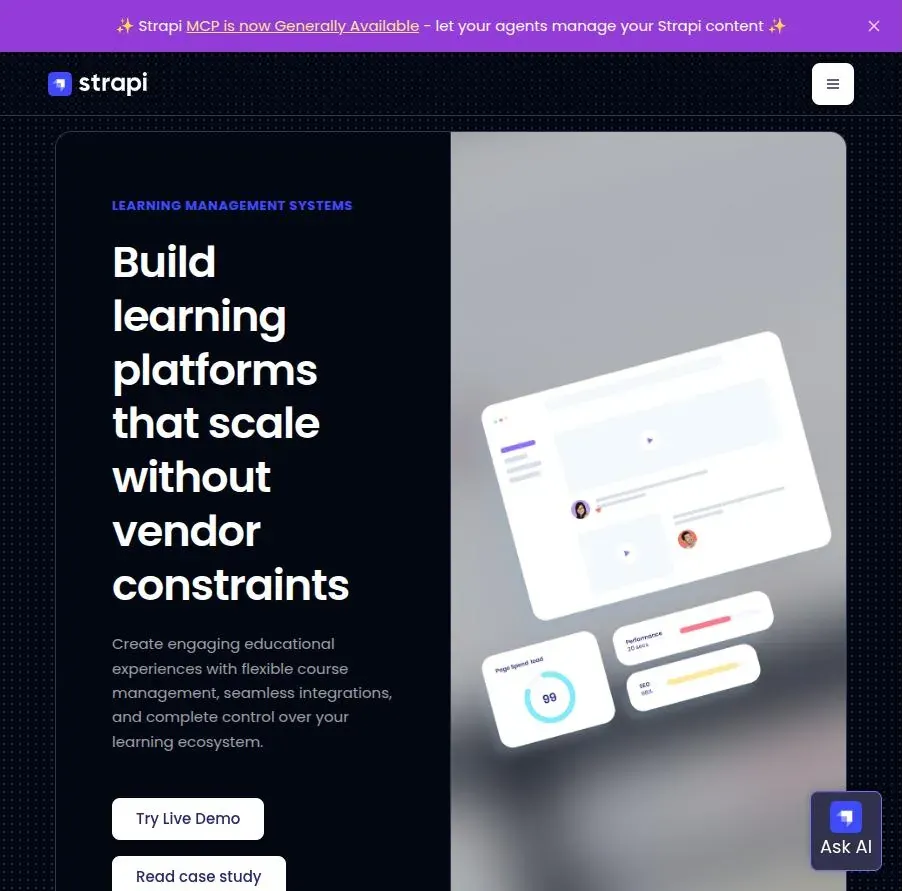
Strapi
An open-source headless CMS you can host yourself, with a paid cloud option.
| ✅ Pros | ⛔ Cons |
|---|---|
| ✅ The free community edition has no per-seat licence when self-hosted. | ⛔ You run the servers, the backups and the upgrades. |
| ✅ Full ownership of data and hosting, useful where student data rules or EU residency matter. | ⛔ Major version upgrades come with breaking changes. |
| ✅ A flexible API and plugin system. | ⛔ The editor is more basic than Sanity's or Storyblok's. |
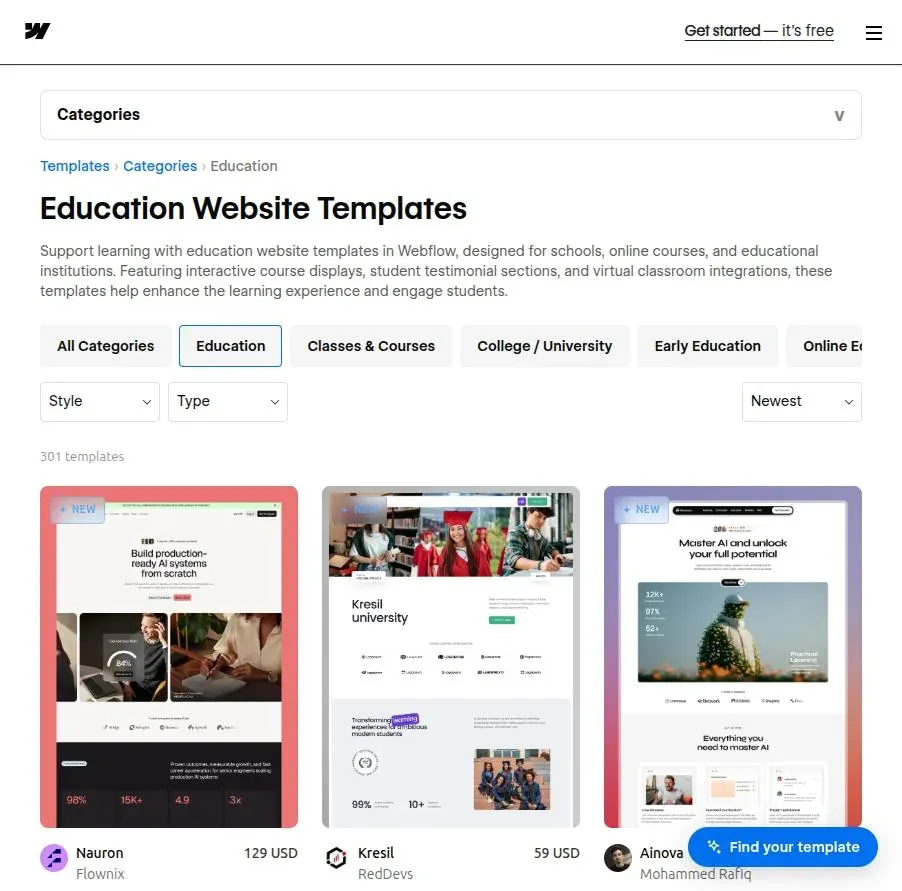
Webflow
A visual site builder with a built-in CMS, popular with design-led edtech marketing teams.
| ✅ Pros | ⛔ Cons |
|---|---|
| ✅ Designers can ship pages without waiting for developers. | ⛔ CMS item limits on each plan cap how many data-driven pages you can publish. |
| ✅ Clean HTML, editable meta tags, 301 redirects and an automatic sitemap. | ⛔ Schema needs custom code embedded in each template. |
| ✅ Fast hosting is included. | ⛔ It runs the marketing site, not the product, so app content lives elsewhere. |
WordPress
Still the cheapest route when an edtech site is mostly blog posts, guides and landing pages.
| ✅ Pros | ⛔ Cons |
|---|---|
| ✅ The best editor for writers, plus mature SEO plugins. | ⛔ Thousands of data-driven pages built with custom post types get slow and messy. |
| ✅ The cheapest option to build and to staff. | ⛔ Keeping the site in sync with app data needs custom code. |
| ✅ A plugin for almost every marketing need. | ⛔ Plugin sprawl drags performance down as the site grows. |
👉 Try WordPress for edtech and educational content sites
6. Best CMS for course creators
Course creators need a place to sell and deliver courses and a place to rank, and hosted course platforms are much better at the first job than the second.
The pattern that works is to keep the content that ranks on a domain you control and send buyers to the platform at checkout.
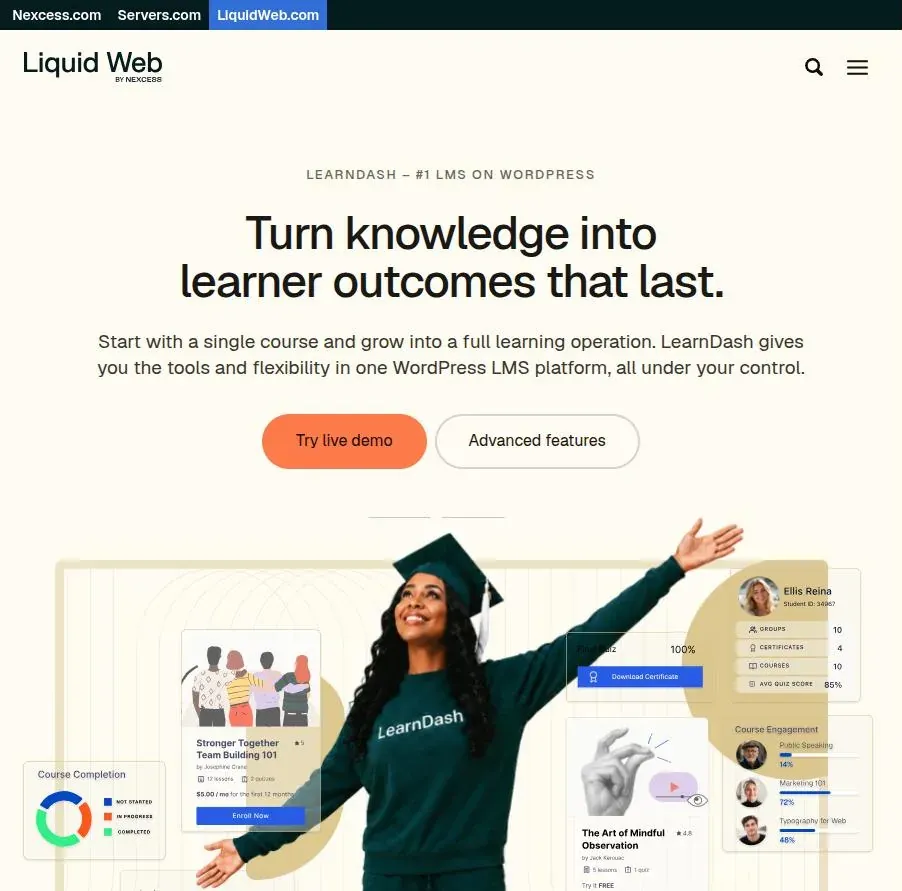
WordPress + LearnDash
A WordPress site running LearnDash, the LMS plugin now sold by Liquid Web, so courses and content live together on your own domain.
| ✅ Pros | ⛔ Cons |
|---|---|
| ✅ Everything sits on one domain you own, and every course page can be optimised. | ⛔ You handle hosting, updates and security yourself. |
| ✅ Full control over URLs, schema and internal links between articles and courses. | ⛔ Video hosting, checkout and email marketing all need extra plugins or services. |
| ✅ An annual plugin licence instead of a cut of your revenue. | ⛔ Performance takes work once many students are logged in at once. |
👉 Try WordPress + LearnDash for course creators
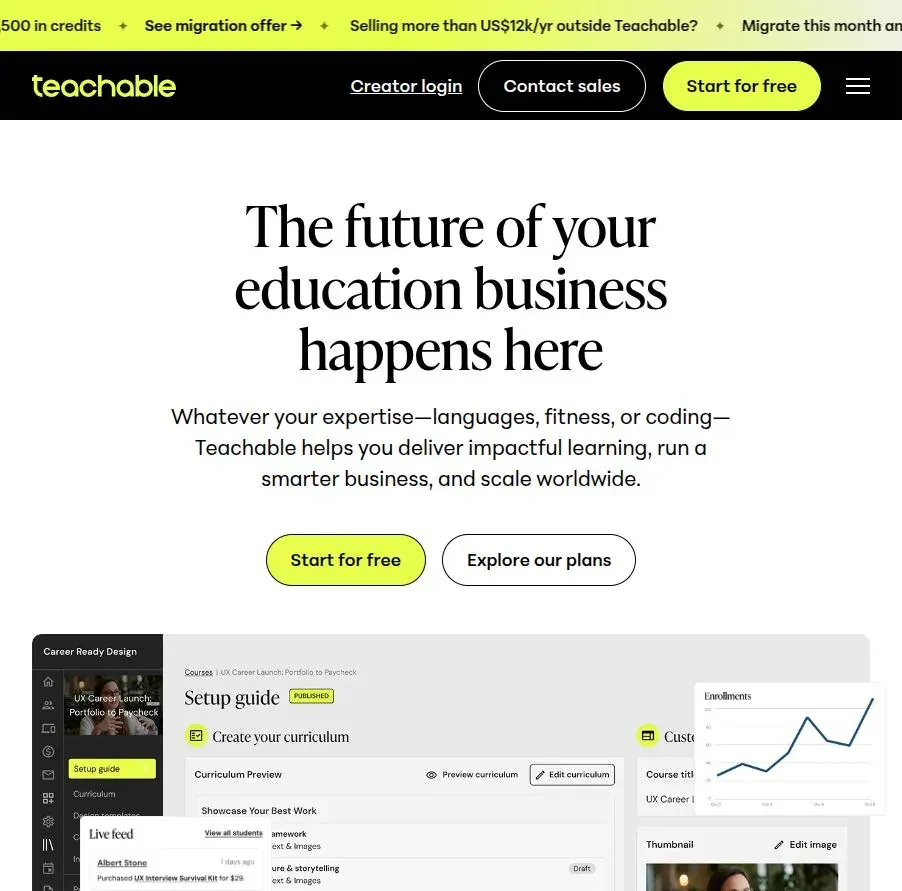
Teachable
A hosted platform built to get a course on sale quickly.
| ✅ Pros | ⛔ Cons |
|---|---|
| ✅ Fast to launch, with a simple checkout. | ⛔ Lower plans charge transaction fees, and a custom domain needs a higher-tier plan. |
| ✅ Handles payments and course delivery for you. | ⛔ Little control over URL structure, templates or structured data. |
| ✅ A free plan to test an idea before paying. | ⛔ Thin content tools, so rankings have to be built elsewhere. |
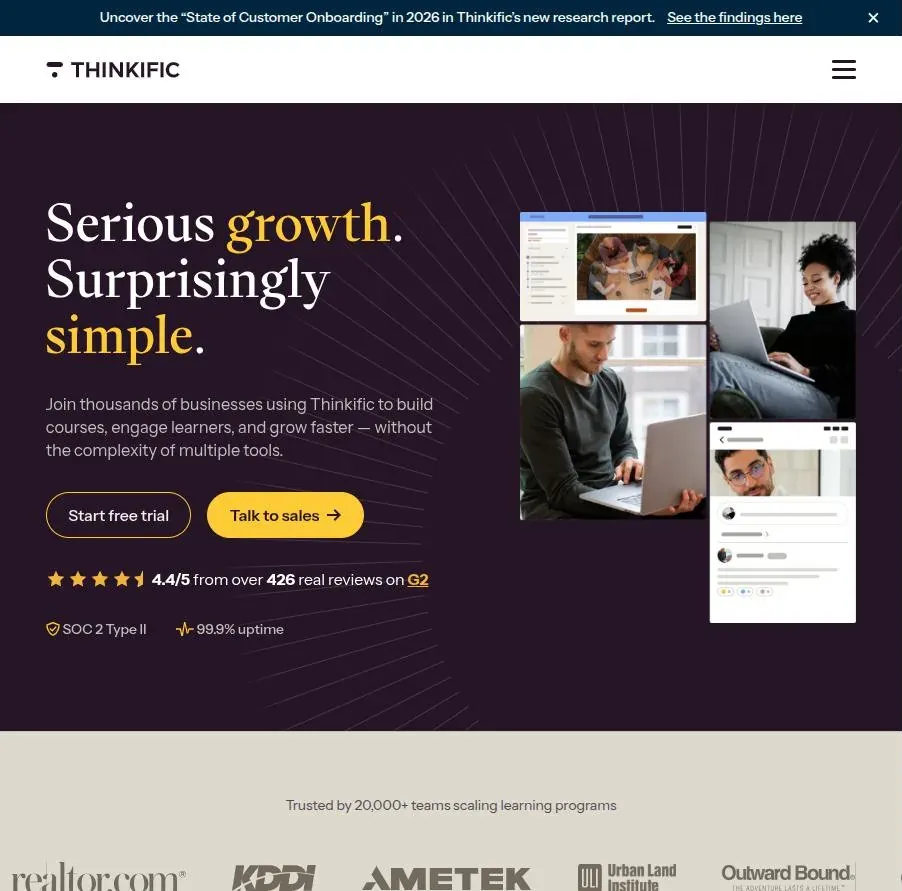
Thinkific
A hosted course platform that leans towards course building and the learner experience.
| ✅ Pros | ⛔ Cons |
|---|---|
| ✅ A custom domain is included on the entry plan. | ⛔ The free plan was dropped in 2025, so you pay from the first month. |
| ✅ Strong course building, with quizzes and assessments. | ⛔ Page-level SEO is limited to the basics. |
| ✅ An AI teaching assistant on the top tier that answers learners' questions from your course content. | ⛔ The site builder is built for courses, not content marketing. |
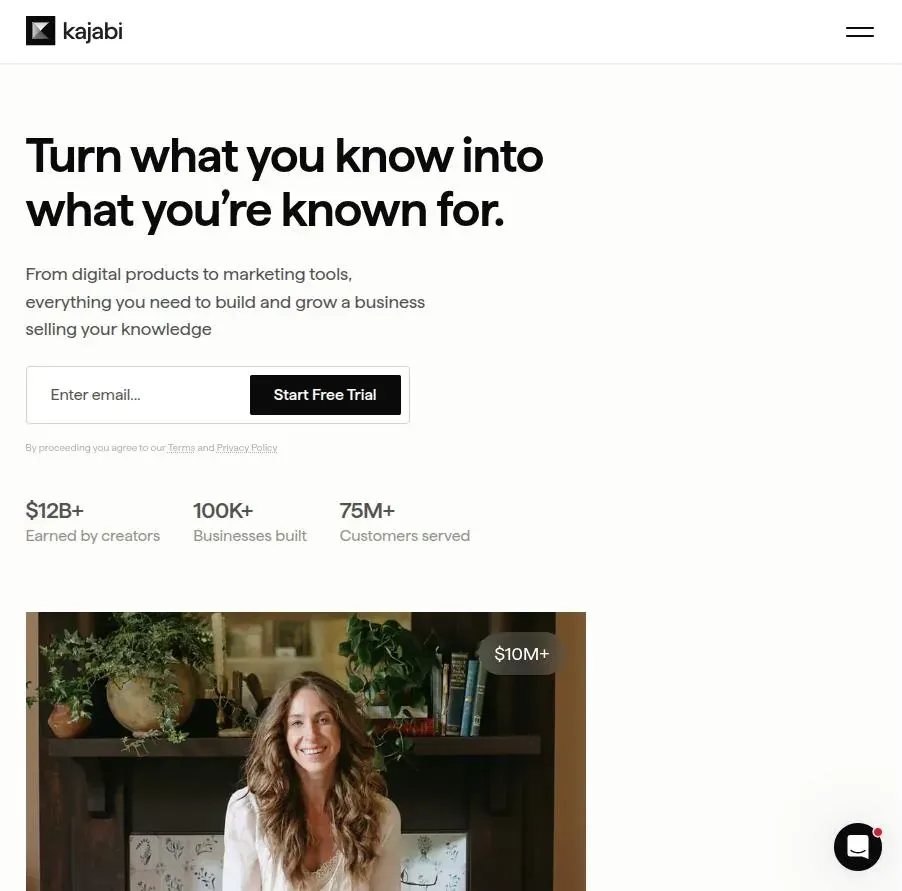
Kajabi
An all-in-one platform that combines website, blog, courses, email, community and sales funnels.
| ✅ Pros | ⛔ Cons |
|---|---|
| ✅ One tool for the site, the blog, email and checkout. | ⛔ The most expensive of the major platforms, and list prices rose again in January 2026. |
| ✅ A custom domain on every plan. | ⛔ Blog and page SEO controls are basic next to WordPress. |
| ✅ The built-in blog lets you keep some content on the same domain as your courses. | ⛔ Strong lock-in, because your email list, funnels and content all live inside Kajabi. |
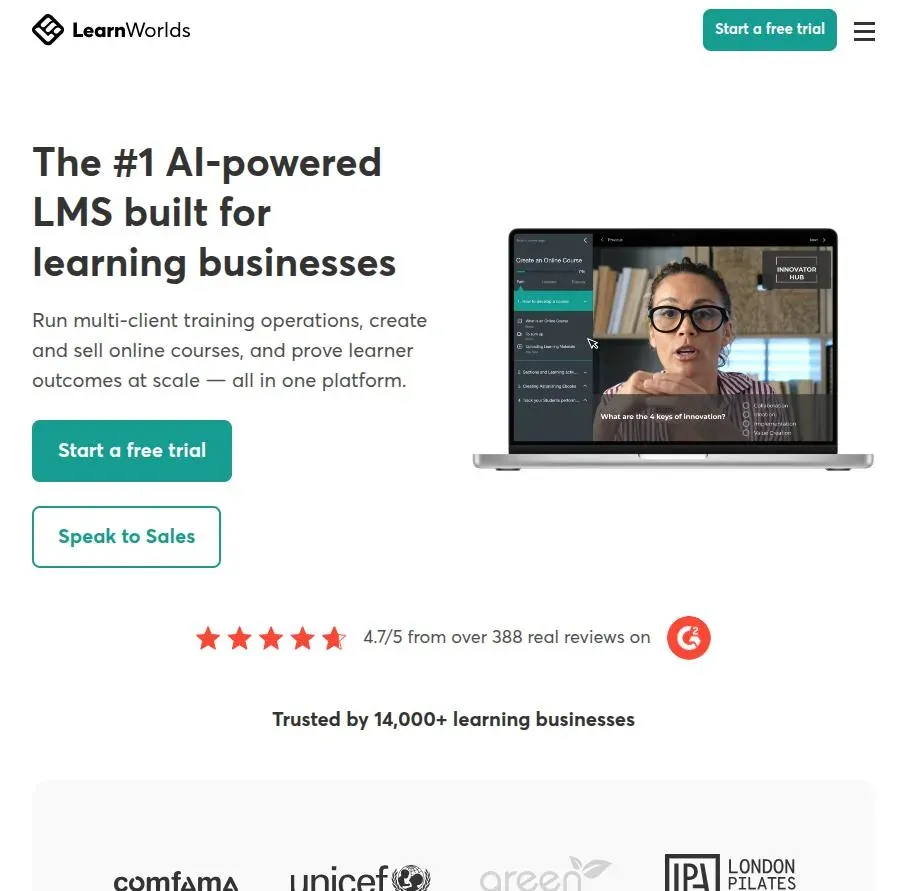
LearnWorlds
A course platform with interactive video and white-label options, popular with training companies and online academies.
| ✅ Pros | ⛔ Cons |
|---|---|
| ✅ Interactive video, assessments and SCORM support. | ⛔ The Starter plan charges $5 per course sale. |
| ✅ A full site builder, with a branded mobile app available. | ⛔ The branded mobile app costs extra. |
| ✅ No transaction fees from the Pro Trainer plan upwards. | ⛔ Pricier than Teachable or Thinkific for a solo creator just starting out. |
Podia
A simple all-in-one storefront for courses, downloads, webinars and email.

| ✅ Pros | ⛔ Cons |
|---|---|
| ✅ The easiest setup of the group, with courses, downloads and coaching in one storefront. | ⛔ The entry Mover plan takes a 5% transaction fee. |
| ✅ Email marketing is built in. | ⛔ Limited learning tools for structured, multi-module programmes. |
| ✅ Flat, predictable pricing. | ⛔ Basic SEO controls, on a storefront that is not built to rank. |
7. Choosing a CMS? Get the SEO right for the platform you pick
Every platform above can rank.
What changes is where the SEO work lives: in plugins on WordPress, in the front end on a headless build, in a vendor support ticket on a hosted school or university platform, or on a second site entirely if you sell through a course platform.
Picking the CMS is only half the decision. The other half is knowing what that platform will and will not let you control.
Mile SEO is an independent search consultancy for education, with no CMS partnerships or reseller margins behind the advice. If you are shortlisting platforms or planning a move, bring your current site and your shortlist to a 30-minute call.
We can check both against the search controls that matter, and map out what SEO looks like on whichever platform you choose. The Mile SEO services page sets out how the audit works.
30 minutes, no charge, no deck.

FAQ
Related questions, not covered above.
- How much does an education CMS cost?
- WordPress, Drupal and TYPO3 are free to use, so costs come from hosting, development and support. School and higher-education platforms charge annual licences on top of the initial build.
- What is the best CMS setup for a multilingual school or university site?
- Drupal and TYPO3 handle multiple languages natively, and WordPress uses WPML or Polylang. Either way, give each language its own URL with hreflang tags, not a translation widget.
- Does CMS matter for SEO or GEO?
- Yes, but you still need to optimize content for search engines and AI. The important part is to make sure the CMS and its content is visible for all.