
Contents
- Best learning apps for adults who want to learn something new
- Best apps for learning a language
- Best learning apps for kids
- Best study apps for exams and revision
- Which learning apps are actually free?
- How to tell a good learning app from a good-looking one?
- Where Mile SEO fits in for people who build learning apps
1. Best learning apps for adults who want to learn something new
For most adults, Khan Academy is the best free place to start, and Brilliant, Coursera and Udemy each do a narrower job better.
Khan Academy: best free all-rounder
Khan Academy is free, run by a nonprofit, and covers maths, science, economics and the humanities from primary school up to early university level.
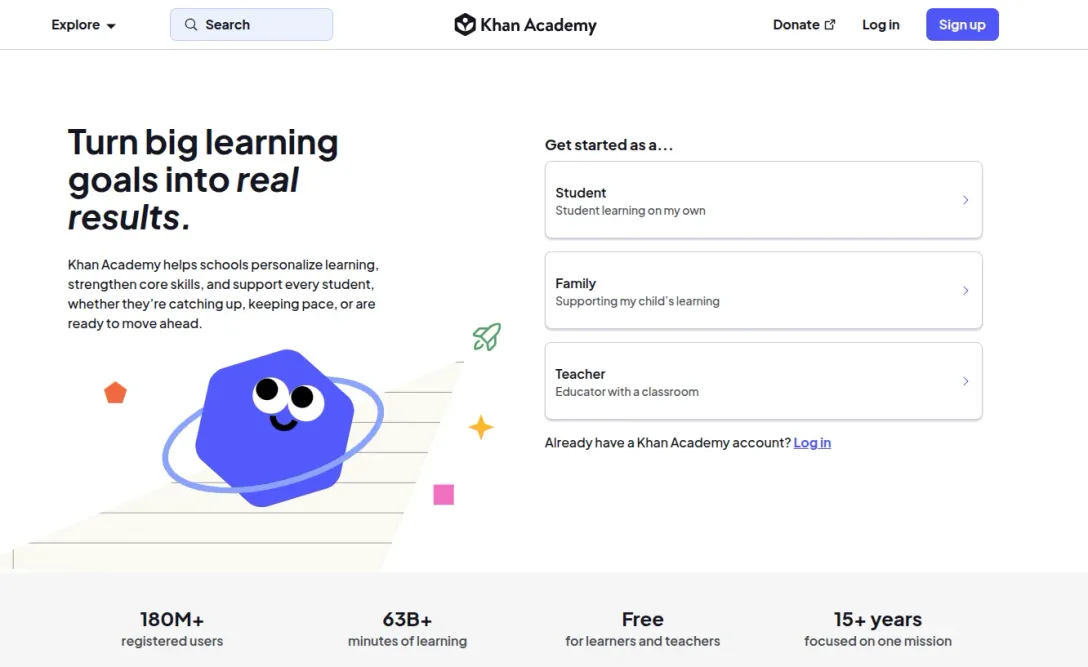
It is built like a well-organised textbook rather than a game, so it suits people who already know what they want to learn.
Brilliant: best for maths, science and coding
Brilliant suits people who learn by doing.
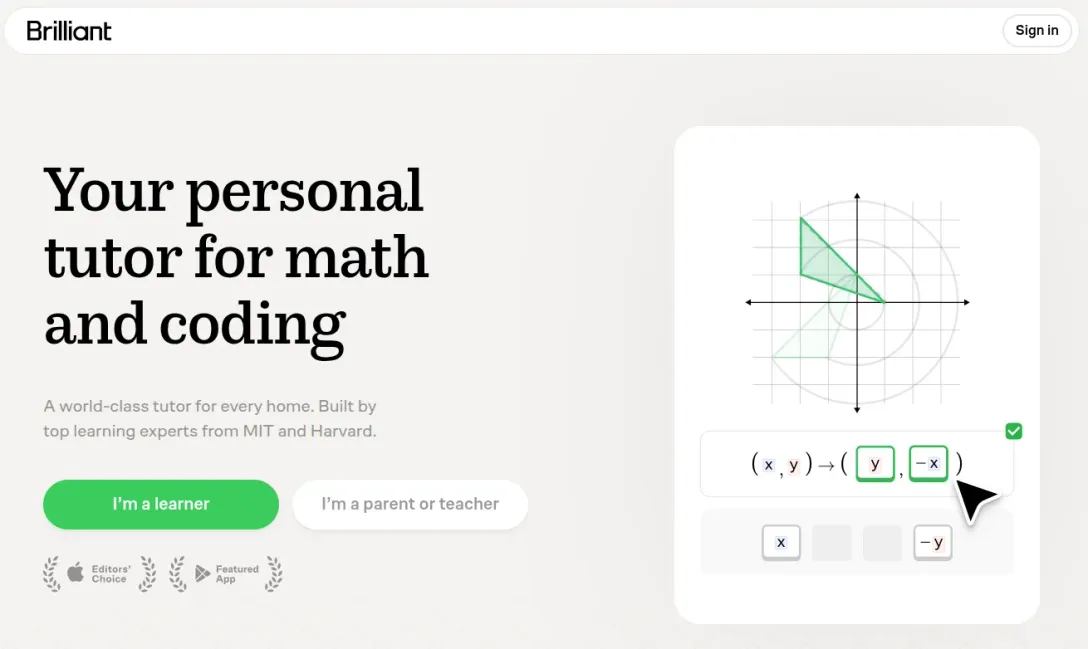
Each lesson is a run of small interactive problems, and not a classic lecture. The free plan gives you two lessons a day, and Premium removes the limit.
Coursera: best for certificates
Coursera's courses come from universities and companies, and since August 2025 the first module of most courses has been free to preview.
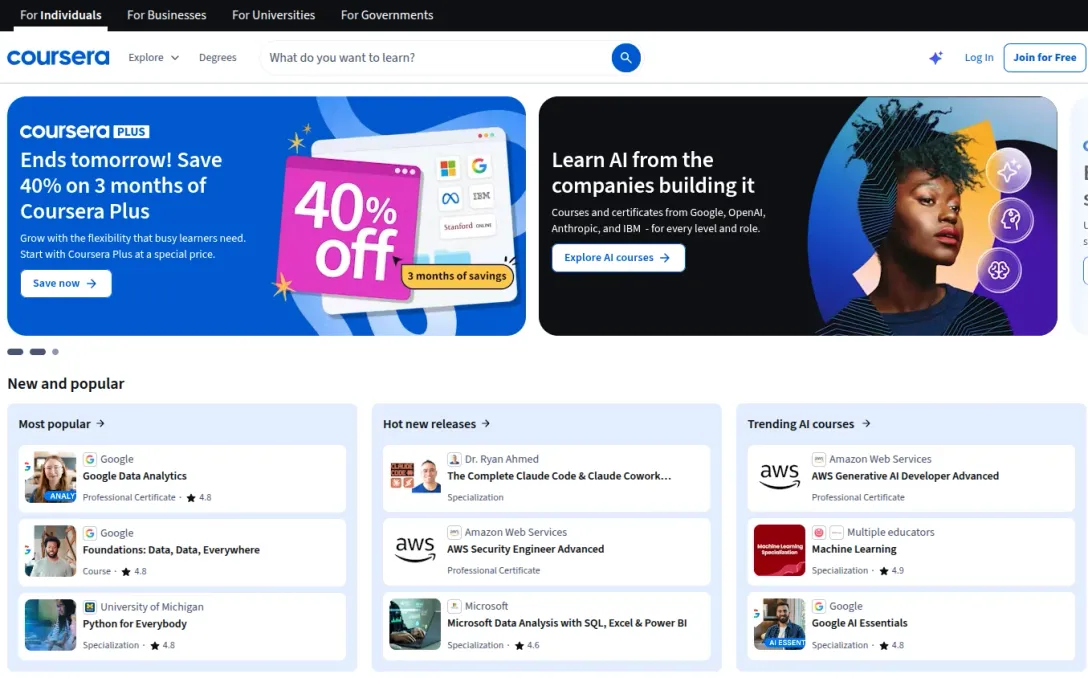
The rest of the course, and the certificate, are paid.
Udemy: best for practical skills
Udemy covers skills the others skip, such as spreadsheets, photography or guitar.
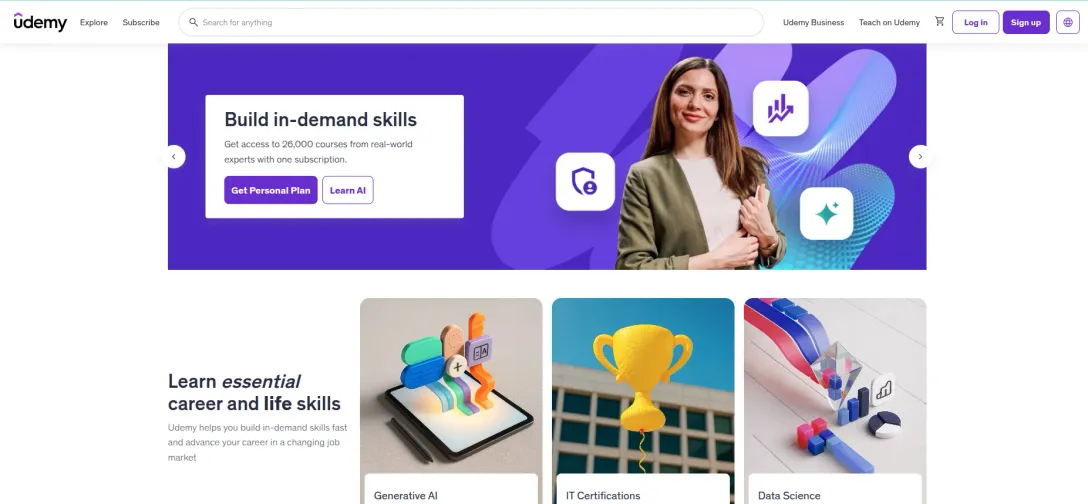
You pay per course, and because independent course creators publish them, quality varies a lot. Watch the free preview lectures before you buy.
2. Best apps for learning a language
Duolingo is the best free language learning app for building a daily habit, and Babbel is the better choice if you want the grammar explained.
Neither replaces real listening: a structured YouTube channel can take you further once you reach intermediate level, and five YouTube channels for learning German are compared in a separate guide.
Duolingo: best free app for a daily habit
Duolingo's free version shows ads and caps how much you can practise each day; Super Duolingo removes both.
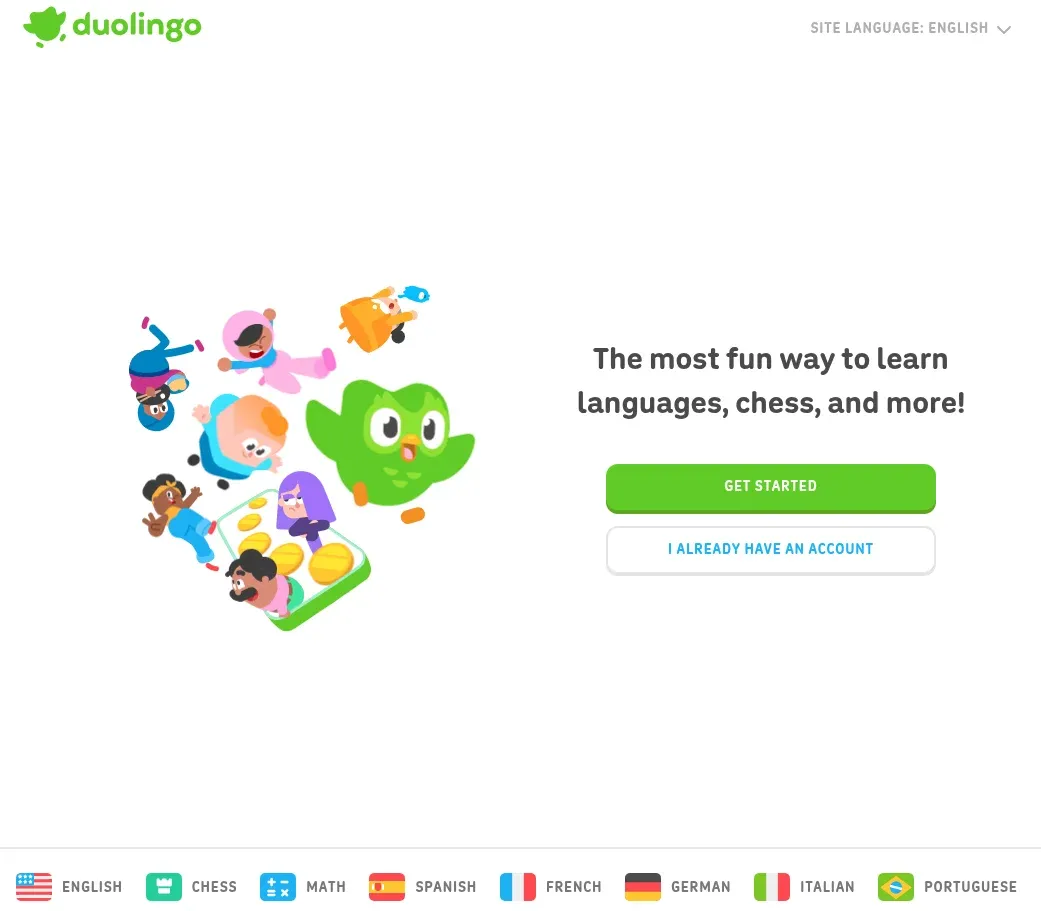
Its short, game-like lessons are very good at getting you to open the app and less good at getting you to hold a conversation. Well, that’s the truth, sorry. :)
Babbel: best for grammar and structure
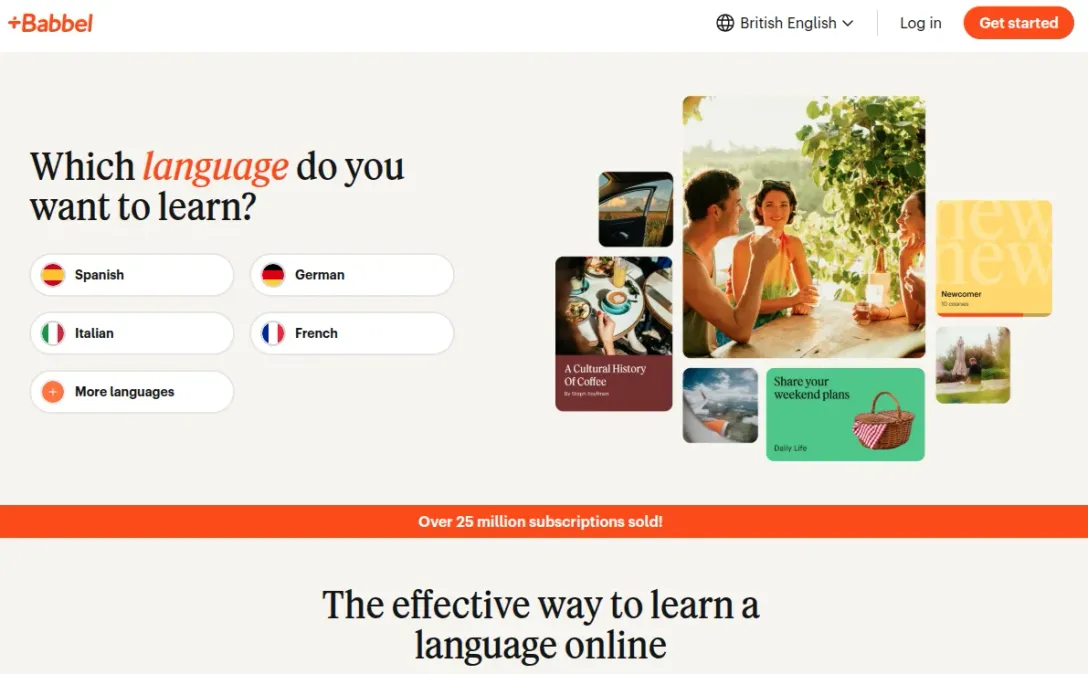
Babbel is a paid subscription built around dialogues and explicit grammar notes, which is good for adults who want to know why a sentence is put together the way it is.
For vocabulary in any language, pair Babbel or Duolingo with Anki (it’s also covered in the sections below).
3. Best learning apps for kids
Khan Academy Kids is the best educational app for young children, with two free apps from public broadcasters close behind
I left out Kahoot! and Google Classroom. They are common on other lists, but are left out here: they are classroom edtech a teacher runs, not apps a child uses alone at home.
Khan Academy Kids: best overall for ages 2 to 8
Khan Academy Kids is completely free, with no ads and no subscription.
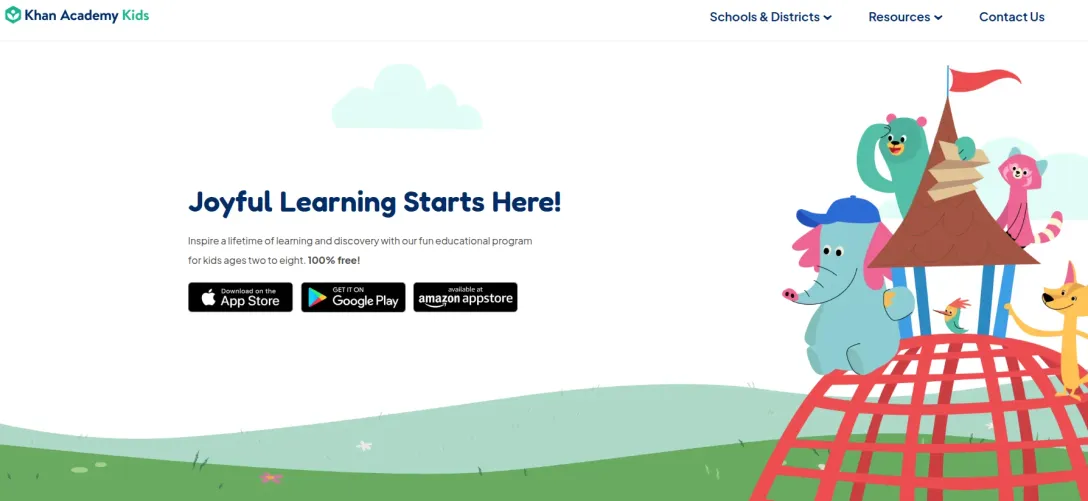
It runs from preschool and kindergarten through second grade, covering:
- phonics,
- early reading,
- maths and
- social-emotional skills.
Books and games can be downloaded for offline use.
From about eight, move children on to the main Khan Academy app, which is organised by school grade and subject!
PBS KIDS Games & CBeebies Playtime Island: best free games
Both are free.
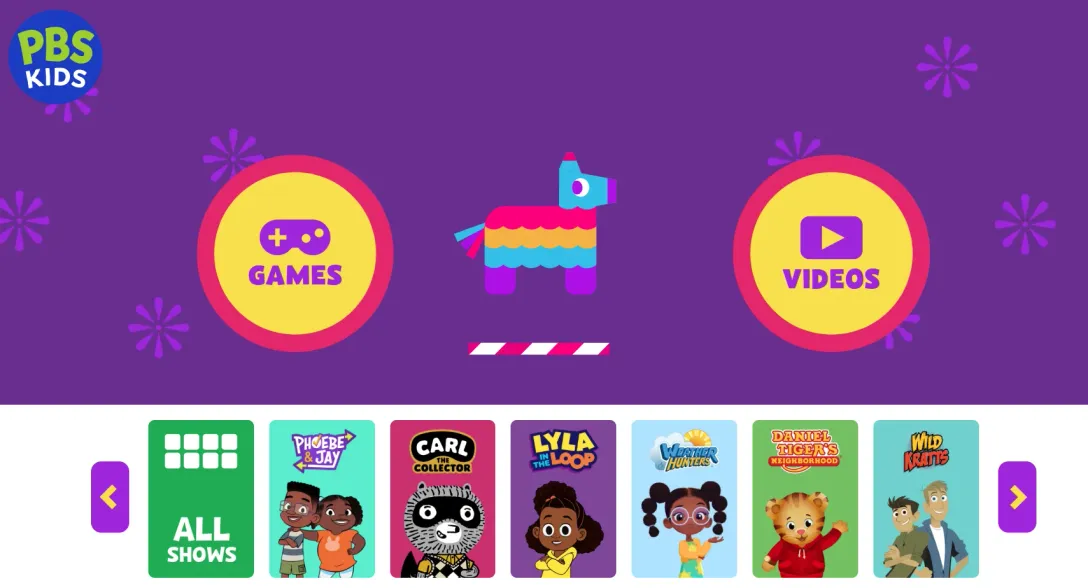
PBS KIDS Games has more than 280 games from its shows in English and Spanish for US families.
CBeebies Playtime Island is the BBC's equivalent in the UK.
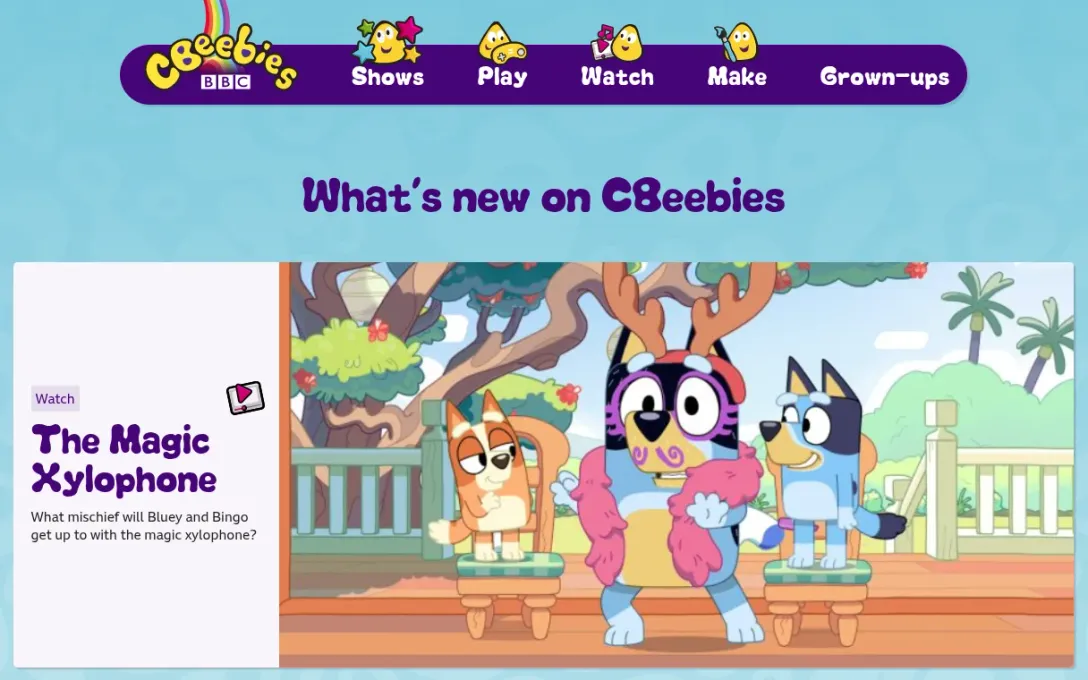
👉 Check out Cbeebies Playtime Island
Duolingo ABC: best for learning to read
Duolingo ABC is a free app from the language company that teaches early reading and writing.
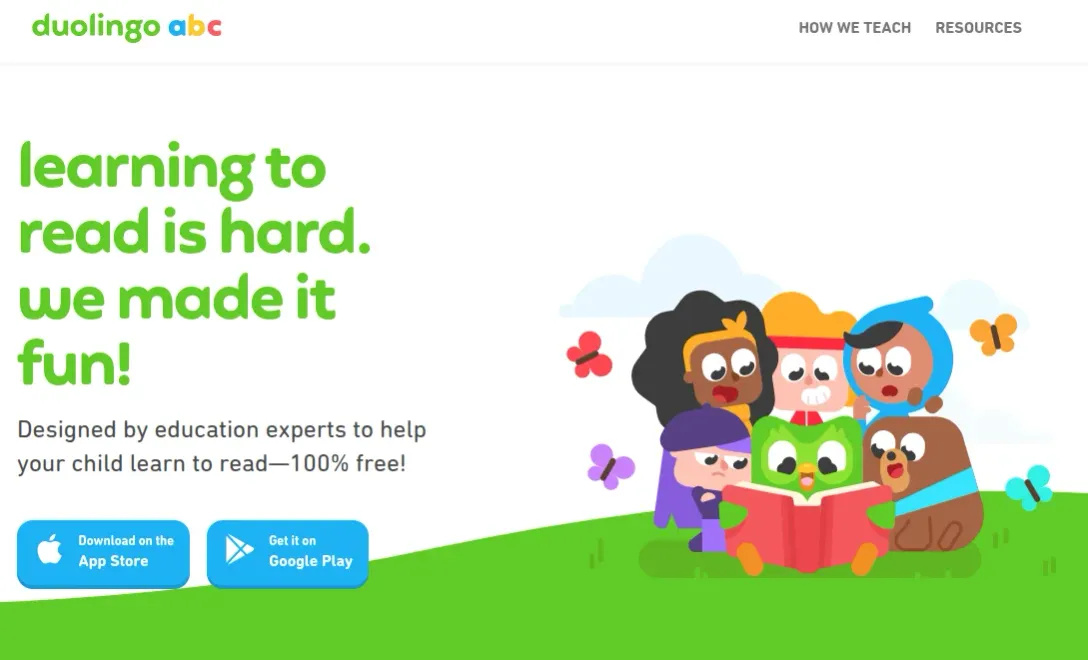
It is a lot more narrower than Khan Academy Kids, so treat it as a second app once a child starts reading.
4. Best study apps for exams and revision
Anki is the best revision app for anything you have to memorise, from anatomy to vocabulary, and Quizlet is the easier one to start with. (Better UX, in my opinion.)
Anki: best for long-term memorisation
Anki uses spaced repetition.
It shows each card again just before you are likely to forget it, which is the method behind most serious flashcard tools. The app is really famous in online forums such as Reddit, Quora, and it even has fans on social media!
At first, I didn’t really understand the craze about it, because it’s so simple and looks a bit outdated… but once you start using it, you’ll understand!
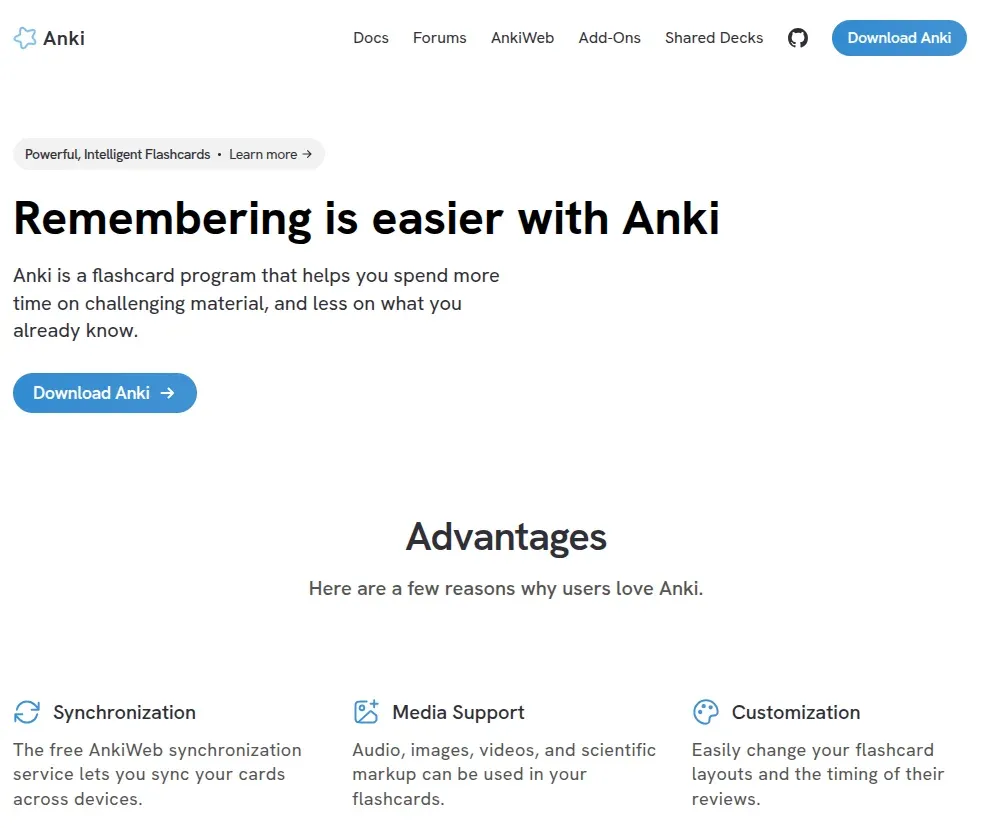
It is free on desktop, on the web and on Android as AnkiDroid.
AnkiMobile, the official iPhone and iPad app, is a one-off purchase that funds development.
Note: Apps with "Anki" in the name and a subscription attached are unrelated look-alikes that do not sync with the real thing.
Quizlet: best for ready-made flashcards
Ready-made Quizlet sets already exist for most courses, so there is little setting up to do
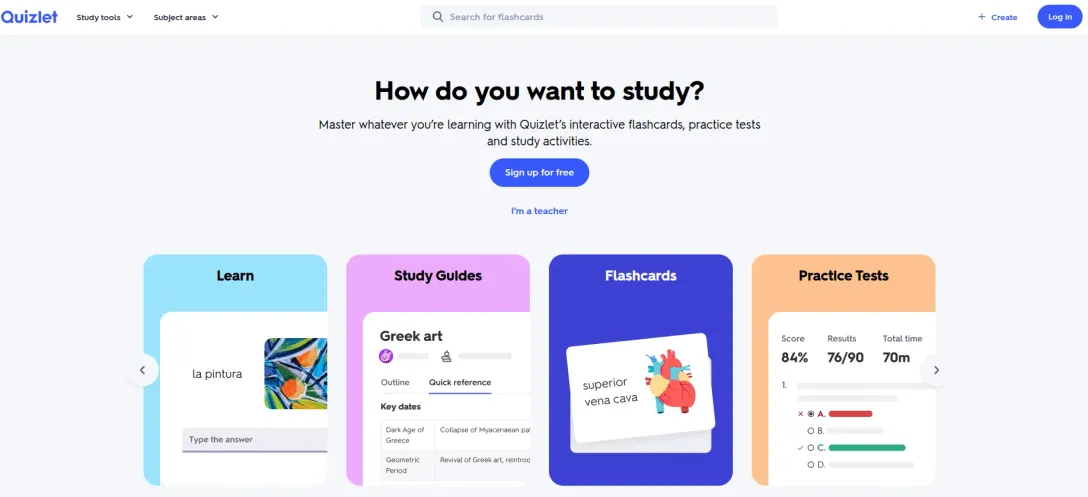
Creating and flipping flashcards is free, but free accounts get only a few rounds of the adaptive Learn mode and one practice test per set, and those limits tend to bite in exam week!
5. Which learning apps are actually free?
Only a handful of good learning apps are free in full.
Khan Academy's courses, Khan Academy Kids, PBS KIDS Games and CBeebies Playtime Island cost nothing to use.
Most of the rest are freemium.
Duolingo, Brilliant and Quizlet stay usable without paying, but they show ads and cap how much you can do in a day or per set.
Babbel and Coursera let you sample the first lessons or module, then charge.
Note: If a free trial only comes attached to an annual plan, it converts into the full year's price upfront, so decide before it ends! And set a reminder for the day before any trial finishes, because nearly all of them renew automatically.
6. How to tell a good learning app from a good-looking one?
A good learning app makes you produce answers instead of watching or tapping through content.
Recalling something without looking is what builds memory, and it is the real difference between working through Brilliant's problems or Anki's cards and scrolling short explainer videos you have forgotten by lunch.
Beyond that, three checks sort most apps quickly:
- Look for named educators or institutions behind the content: Khan Academy Kids credits Stanford's Graduate School of Education as its partner, while many apps credit nobody.
- Prefer an app with an end point: a course, a level or a curriculum you can finish.
- For children, check for ads, in-app purchases and a privacy policy: parents should be able to defend their childredn from intrusive ads and from selling their kids data to big tech.
7. Where Mile SEO fits in for people who build learning apps
Mile SEO is a search consultancy for education, and learning apps are among the products it works with: apps that want to appear on lists like this one, and in what ChatGPT or Google's AI Overviews say when someone asks for the best learning app.
If your learning app is missing from the lists and AI answers your users read, a 30-minute call is a sensible first step. Here is how Mile SEO approaches search visibility for learning apps.
30 minutes, no charge, no deck.

FAQ
Related questions, not covered above.
- Do learning apps work on a laptop as well as a phone?
- Most of the big ones do. Khan Academy, Brilliant, Duolingo, Quizlet and Coursera all run in a web browser as well as on iOS and Android.
- Is Super Duolingo worth paying for?
- Pay for it if ads or the daily practice cap keep interrupting a habit you already have.
- Are AI chatbots better than learning apps?
- They are better at explaining things and answering questions, but they do not plan a course or schedule reviews (for now).
- What are the best apps for teachers to use in class?
- It depends on the job. Kahoot! runs live quizzes, Google Classroom handles assignments and feedback, and Seesaw collects student work in digital portfolios.
- How many learning apps should you use at once?
- One per goal is usually enough. Two apps teaching the same subject split your time and your streaks.